Desktop App
NotifyU - Notification Manager
NotifyU — Smart Notification Manager
Stay on top of placements, forms, group announcements, and important links without getting overwhelmed.
What is NotifyU?
NotifyU is a Windows desktop app that centralizes notifications from multiple sources (e.g., system toasts, messaging apps, emails, and saved links) into a single clean dashboard. It helps you track, read, and act on updates faster, without missing deadlines or duplicating effort.
The problem it solves
- Information is scattered across multiple chats and emails.
- Important updates get buried under noise and are easy to miss.
- Re-filling the same forms due to poor tracking wastes time.
- Long messages are hard to read in cramped UIs.
How NotifyU helps
- Collects notifications into one place.
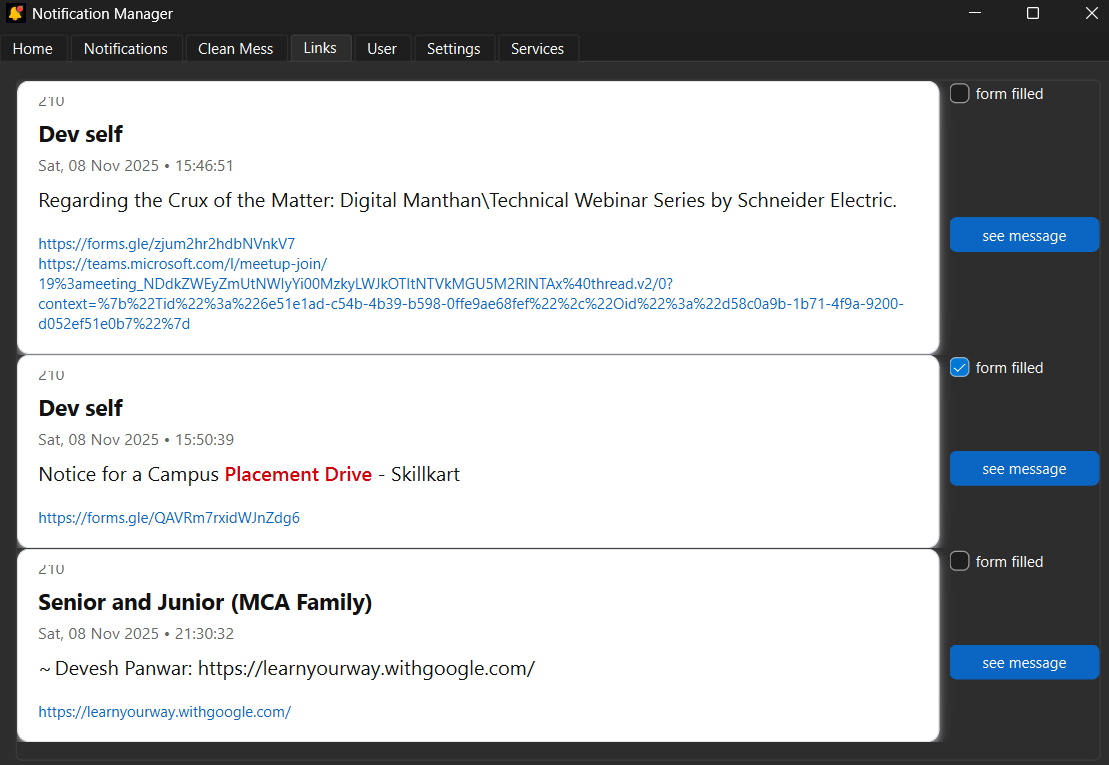
- Formats messages for full readability with wrapping and clickable links.
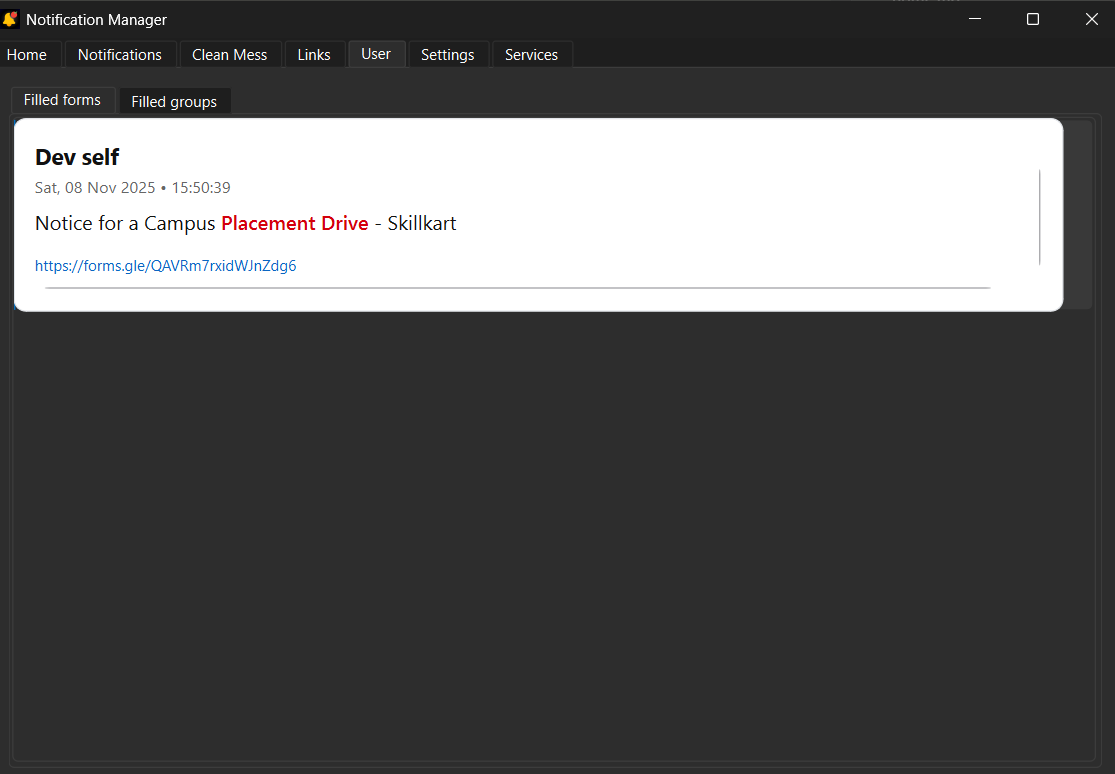
- Lets you mark forms as “filled” to prevent reapplying.
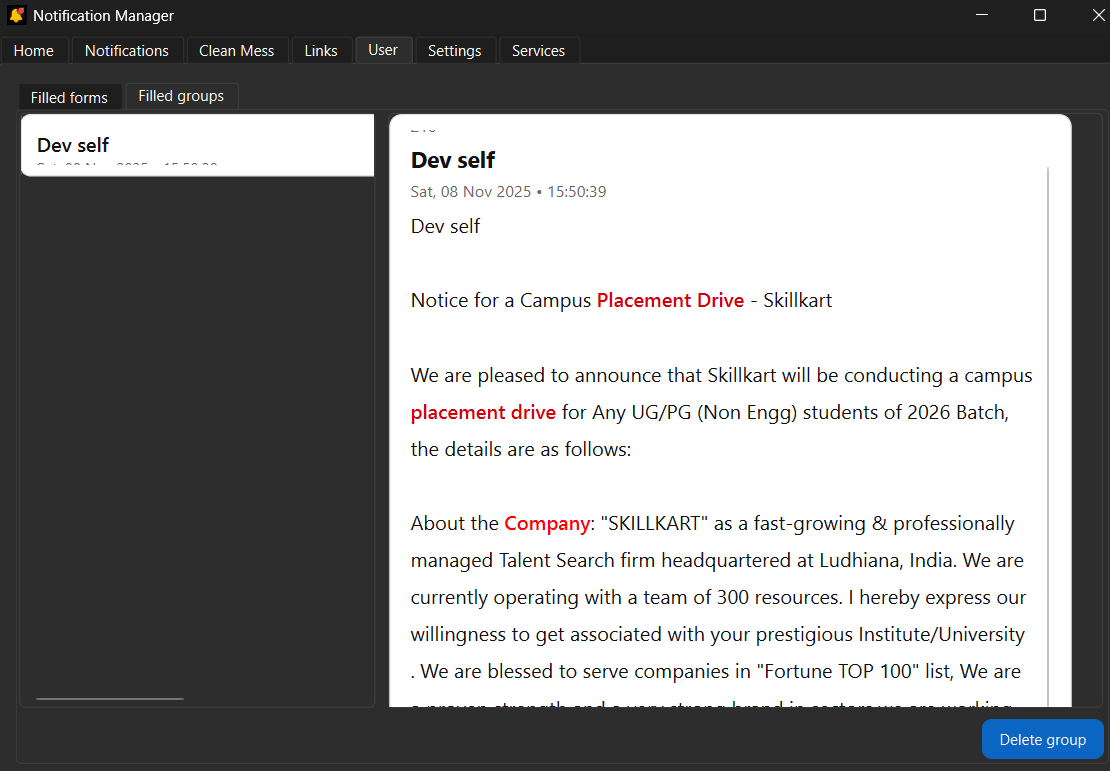
- Groups related messages together for quick scanning.
- Keeps a clean, responsive layout that adapts to your window size.
Key features
- Full-text message display without truncation.
- Word wrap and link highlighting; click to open in browser.
- Scrollable notification cards with constant height.
- Auto end-aligned scrolling to newest messages.
- “Filled Groups” thread view with internal scrolling and responsive sizing.
- Theme-aware styling (light/dark friendly).
- Works in a packaged EXE (assets bundled and resolved internally).
Download
Download Desktop App - ⬇️ Download NotifyU for Windows
How it works (quick overview)
- Listens for system notifications and incoming messages.
- Persists data locally for fast access and offline viewing.
- Renders content with safe HTML in a QTextBrowser for rich formatting.
- Supports packaged builds with PyInstaller (resources included via add-data).
Requirements
- Windows 10/11
- Internet connection for link opening and optional remote checks
Support
- Learn more: https://crosseye.vercel.app
- Services/API: https://crosseye.vercel.app/api/services
- Feedback: https://forms.gle/yH3TXvQb9N1PV8TZ6
Update the download URL in the button above when you publish a new release.
Image Gallery